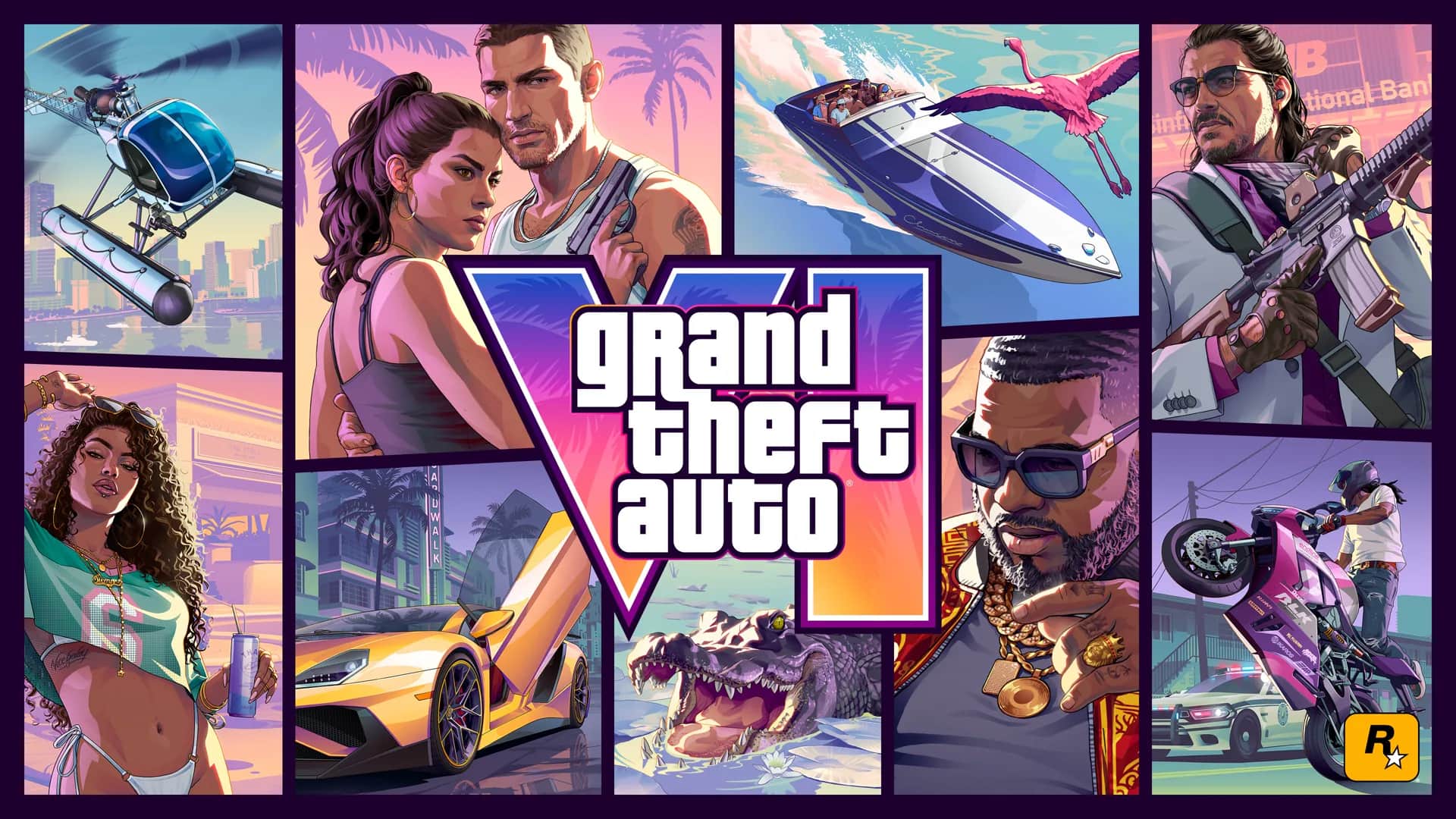
A step-by-step GTA 6 code-in-box guide for PS5 and Xbox buyers, including account, region, preload, and missing-code checks.
Understand what the physical box contains
Rockstar describes the physical Standard Edition as a code-in-box product. It contains a digital download code rather than a game disc.
The box is scheduled to become available on November 12, 2026, one week before launch. A code-in-box purchase still requires a compatible console, suitable platform account, internet access for redemption, and enough storage.
Checks to complete before entering the code
A code is normally tied to the account used to redeem it, so confirm the account and platform before submitting it. Exact eligibility and regional restrictions are governed by the code, retailer, and platform terms.
- Match the box platform to your console: PS5 or Xbox Series X|S.
- Sign into the account that should own the game.
- Check that the account and code are intended for compatible regions.
- Keep the receipt and packaging until ownership appears correctly.
- Do not photograph or post the code.
- Use only the console, official app, or official platform website.
Redeem on PlayStation 5
Sign into the intended PlayStation account, open PlayStation Store, find the code-redemption option, enter the code exactly as printed, and review the displayed product before confirming.
If the screen does not identify the expected GTA 6 PS5 product, stop. Recheck the platform, account region, and characters. After successful redemption, check the game library or download queue; before release it may appear as a preorder or preload rather than a playable game.
Redeem on Xbox Series X or Series S
Sign into the Microsoft account that should own the game, open Microsoft's official redemption interface, enter the code, and inspect the product shown before confirming.
After redemption, check the owned-games library and installation queue. A successful preload does not override the release date; downloaded files may remain locked until release conditions for your region are met.
| Problem | Safe next step |
|---|---|
| Code is unreadable | Keep the receipt and contact the retailer |
| Code says it was redeemed | Check account order history, then contact platform support |
| Wrong product appears | Do not confirm; recheck platform and region |
| Code is rejected | Retype carefully and use official support |
| Seller asks for your password | Stop; legitimate code support should not need it |
| Download does not start | Check library, storage, network, and preload availability |
What not to do with a redemption problem
Do not send the full code to a public forum, social-media reply, unofficial support account, or fan site. Do not install a code checker, browser extension, or third-party launcher.
The retailer should handle a damaged or missing code from a sealed box. PlayStation or Xbox support can investigate platform redemption and account ownership. GTA6Tricks cannot activate, validate, replace, or recover a purchase code.
Frequently asked questions
Does the GTA 6 physical box include a game disc?
No. Rockstar describes it as a code-in-box Standard Edition containing a digital download code.
Can I redeem the code before launch?
Rockstar says the code-in-box edition is scheduled for November 12, 2026, allowing buyers to redeem and preload before the November 19 release.
Can I use a PlayStation code on Xbox?
No cross-platform entitlement has been announced. Redeem only through the platform named on the package.
What if my box has no code?
Keep the box and receipt, then contact the retailer. Do not buy a replacement from an unofficial key seller while the purchase is unresolved.
Primary sources
We prefer publisher and platform sources over summaries. Open them to check the wording and latest status.
Send the official source and we will review the page. Corrections include a visible update date.
Suggest a correction