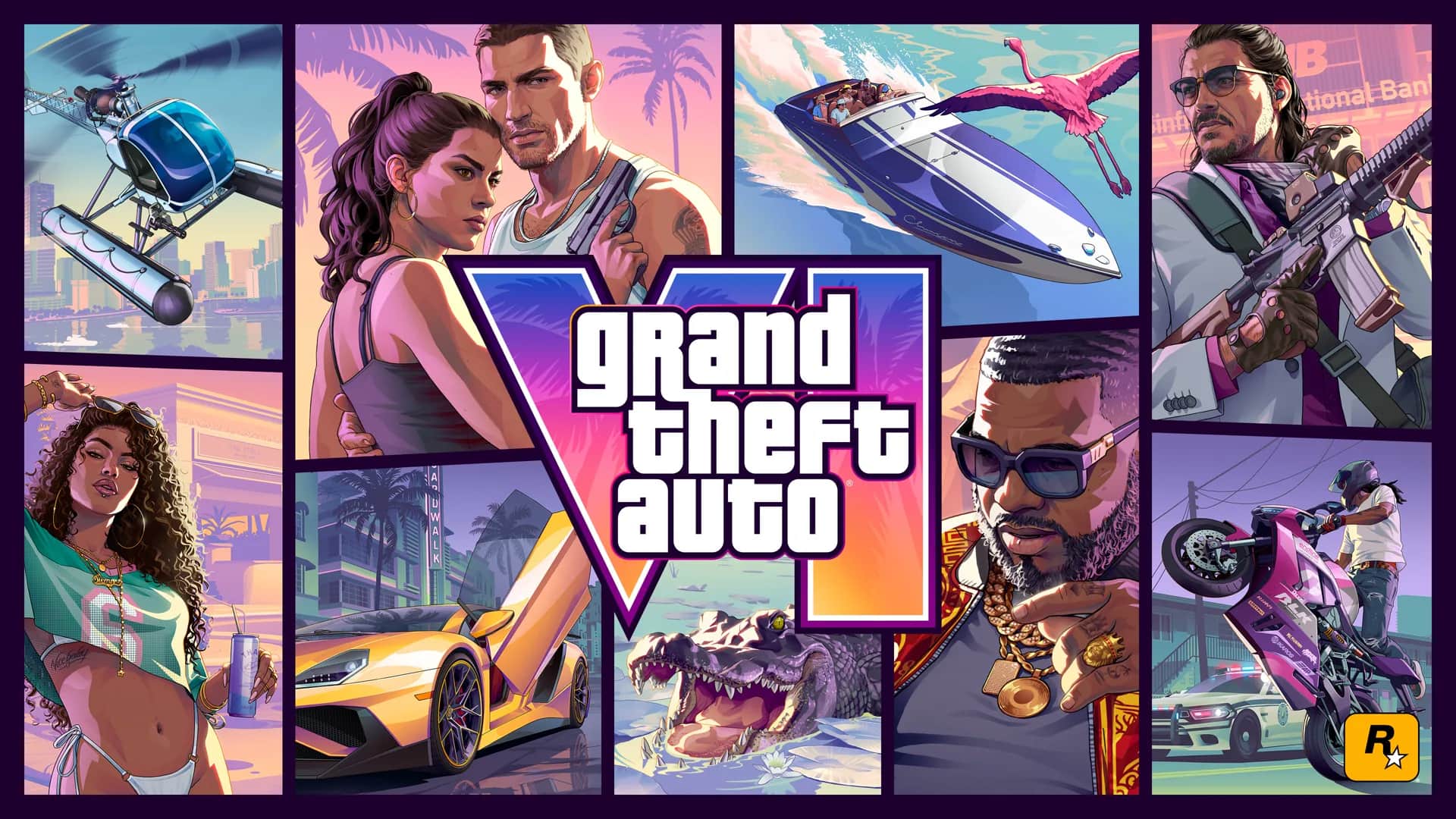
Secure the accounts connected to your GTA 6 purchase and recognize fake beta downloads, preorder keys, giveaways, and support messages.
Know what an official offer should match
Rockstar currently lists GTA 6 for PS5 and Xbox Series X|S. A message selling a PC key, PC installer, cracked build, public test client, or system-requirements checker does not match the announced platform plan.
Official preorder and edition information should be verifiable on Rockstar's GTA 6 pages or the platform store. A logo, countdown, sponsored search placement, or professional-looking checkout is not proof that an offer is legitimate.
Secure the account that owns the purchase
Use the security tools provided by PlayStation or Microsoft for the account holding the game entitlement. This is general protection; it does not imply a separate Rockstar account requirement for GTA 6 console play.
- Use a unique password that is not shared with another site.
- Enable the platform's available two-step verification or stronger sign-in method.
- Store recovery codes somewhere private and offline.
- Review recent sign-ins and account devices.
- Confirm the account email and recovery details are current.
- Require purchase approval or spending controls on shared systems.
Recognize common GTA 6 scam patterns
Giveaways also require scrutiny. Verify the organizer through a known official account, read the rules, and remember that receiving a prize should not require a password or secret activation fee.
| Claim | Why it is unsafe or unverified |
|---|---|
| Download the GTA 6 PC beta | No PC edition or public PC beta is announced |
| Generate a free activation key | Legitimate storefront entitlements are not created by generators |
| Complete a survey to unlock a code | A survey does not establish ownership |
| Send your code so support can test it | An unused code can be stolen and redeemed |
| Install this extension or app | Official console redemption requires neither |
| Share your verification code | Sign-in codes are security credentials |
| Guaranteed refund by direct message | Refund decisions belong to the seller or platform |
Verify links without trusting the message
Instead of opening a link in an unsolicited email, ad, direct message, or QR code, navigate independently to Rockstar, PlayStation, or Xbox. Check the domain and find the order or announcement inside the official site.
- Open the platform store or account order history directly.
- Compare the transaction with your email receipt.
- Contact support from the official domain.
- Keep complete game codes and transaction details out of public posts.
- Preserve suspicious messages as evidence, but do not run attachments.
What to do after entering details on a suspicious site
Change the affected account password from the official site, especially if it was reused. Review sign-in activity, remove unfamiliar sessions or devices, enable stronger authentication, and inspect purchase history.
If payment information or an unauthorized transaction is involved, follow official platform and payment-provider processes. Do not continue negotiating with the sender or install a cleanup utility they provide.
Frequently asked questions
Is there an official GTA 6 beta download?
Rockstar's current product and preorder materials do not announce a public beta download.
Are GTA 6 key generators real?
No legitimate PlayStation or Xbox purchase requires a key generator. Such pages may collect credentials or push unwanted software.
Will official support ask for my password or verification code?
Do not share passwords or one-time sign-in codes. Use the verified platform support process.
How can I verify an announcement?
Navigate directly to Rockstar's GTA 6 page or Newswire. For store matters, verify the item inside PlayStation Store or Microsoft Store.
Primary sources
We prefer publisher and platform sources over summaries. Open them to check the wording and latest status.
Send the official source and we will review the page. Corrections include a visible update date.
Suggest a correction